
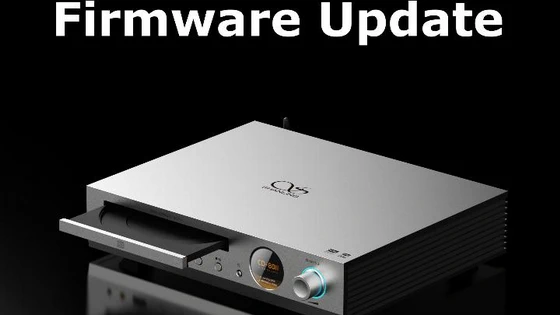
Shanling CD80II New Firmware Update v1.91 – Download update file from Google Drive.
Update Notes:
– Optimized SyncLink Connecton
– Other fixes and improvements
How to update CD80II:
1. Copy the “update.bin” file into root folder / main folder / highest level of USB drive and insert it into the player.
2. Go to System settings – System Update and click on “System Update” and confirm. Wait until system restarts and completes the instalation. Check in settings “About” to be sure new firmware is installed.
3. If the update doesn’t start after choosing “System Update”, please check if the file has been correctly unzipped, if the file is placed in the correct level of the drive, or if the file hasn’t been damaged during the transfer.
Did this article help you? If so, please tell me in a comment what do you think about it.
Don’t miss any of our future video tutorials, follow us on Youtube. Like us on Facebook. Join our Best Deals Telegram Channel. Join our Android TV Box Firmware Updates Telegram Channel. Subscribe now to our newsletter. If you need Tech Reviewer or Youtube Influencer read this. Donate now here to support CGR Team!


