
This firmware is for Coolpad Cool S1 EU version smartphone with Qualcomm Snapdragon 821 as CPU. BTW, you can buy Coolpad Cool S1 smartphone from Gearbest.com.
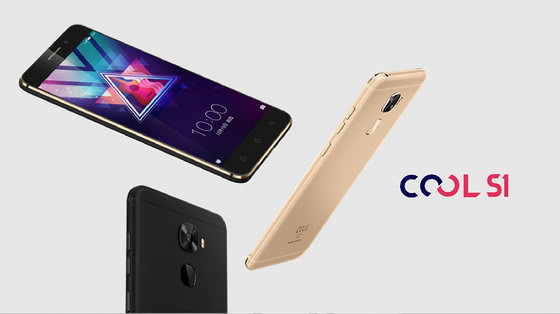
Download Android 6.0 firmware for Coolpad Cool S1 EU version smartphone from here, here or here.
Freeme OS Firmware details
Archive: Coolpad S1 ARESE100X1000MPX1709151-
OS: Android Marshmallow 6.0 stock
Image file size: 1.54 GB
Platform: Qualcomm Snapdragon 821
Image: ARESE100X1000MPX1709151-flash
Firmware Update Method
1. Power off the phone, long press “Volume-“ key and connect the phone to PC, then phone will enter the recovery mode;
2. Right click “my computer”, select “Properties-Device Manager-Other Device-Android”;
3. 【If you already have adb driver, you can skip this step】Choose to update the android driver: select from my computer-double click android phone and choose adb interface, and then you can install adb driver;
4. After installing driver, run the .dat file “fastboot_flash” in the folder you download from Coolpad FTP server;
5. Then you can input “all” in the DOS window to update your S1;
6. Input “yes” when you complete the update, the phone will restart automatically.
Caution: Please do not update firmware unless you know what you are doing, you really want it or it is absolutely necessary. Firmware updates may occasionally have bad results, like bricking your device, temporarily or permanently. The firmware update process is done entirely at your own risk. Before attempting to update the firmware, back up your data.
Did this article help you? If so, please tell me in a comment what do you think about it.
Don’t miss any of our future video tutorials, follow us on Youtube. Like us on Facebook. Add us in your circles on Google+. Watch our photo albums on Flickr.



