
This firmware is only for iBasso DX300 Max Digital Audio Player.
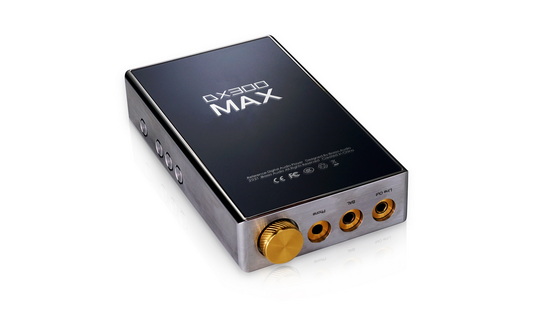
Download new firmware v1.02 for iBasso DX300 Max Digital Audio Player from here.
Firmware details
Archive name: DX300MAXFW-v1.02-ota
Archive file size: 846 MB
Firmware image: DX300MAX_full_ota_1.02.184.zip
Release date: Sept 3th, 2021
Build number: iBasso/DX300MAX/DX300MAX:9/PKQ1.181121.001/iBasso09010147:userdebug/release-keys
Improvements with this firmware
1. Rectified the bug that there is some background noise when playing MQA via Tidal.
2. Improved Bluetooth compatibility.
3. Improved USB digital output compatibility.
Instructions For Firmware update
1. Copy and paste the DX300MAX_full_ota_1.02.184.zip to your SD card’s root folder, or the DX300MAX’s internal memory.
2. Go to Android OS, press Settings–>System–>Updater–>local update, and tap the zip file.
3. The whole update will take about 10 minutes. Reboot the DX300MAX after update completed. You can also choose to do a factory reset at this time to clear any artifacts from the previous firmware.
Caution Please do not update firmware unless you know what you are doing, you really want it or it is absolutely necessary. Firmware updates may occasionally have bad results, like bricking your device, temporarily or permanently. The firmware update process is done entirely at your own risk. Before attempting to update the firmware, back up your data.
Did this article help you? If so, please tell me in a comment what do you think about it.
Send us your news and press releases to publish for free or you can also send your company’s samples to unbox and review. Don’t miss any of our future video tutorials, follow us on Youtube. Like us on Facebook. Watch our photo albums on Flickr. Subscribe now to our newsletter.





