
This firmware is for Vigica C90S with Amlogic S805 as CPU.
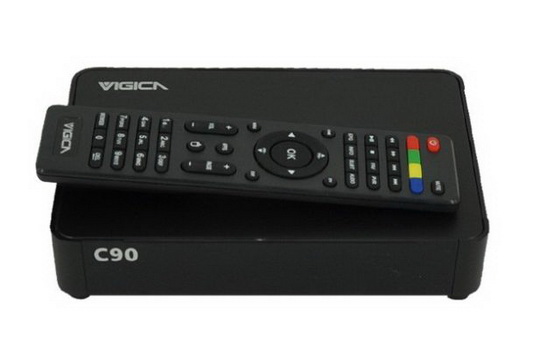
Download Android 4.4.2 KitKat stock firmware for Vigica C90S TV Box from here or here.
Firmware details
Archive: VIGICA C90S
Model: Vigica C90S TV Box
Model number: m201_th12
Image file size: 398 MB
Platform: Amlogic S805
Image: m201_th12-ota-20150209.V0823-s2-s-ap.zip
Build number: m201_th12-user 4.4.2 KOT49H 20150209.V0823 test-keys
FW version: Android KitKat 4.4.2
How to upgrade for your android TV box
Step 1: Select the FAT32 mode and Format the TF card.
Step 2: Copy the files (1>aml_autoscript 2>factory_update_param.aml 3>m201_th12-ota-20150209.V0823-s2-s-ap.zip 4>recovery.img 5>u-boot.bin 6>unlock_autoscript) to TF Card.
Step 3: Unplug the power, Insert the TF card to TVBOX’s TF card reader.
Step 4: Plug in the power, Wait 20 seconds will start to update.
Step 5: When the TV BOX reboot, Please remove the TF Card (This step is very important!), And continue to waiting five minutes.
Step 6: The update will completed, Enjoy!
Warning
If the firmware update, your installation and storage files will lost, Please backup your files before update!
Caution: Please do not update firmware unless you know what you are doing, you really want it or it is absolutely necessary. Firmware updates may occasionally have bad results, like bricking your device, temporarily or permanently. The firmware update process is done entirely at your own risk. Before attempting to update the firmware, back up your data. BTW, a link doesn’t last forever.
Did this article help you? If so, please tell me in a comment what do you think about it.





