
This firmware is for Zidoo X20 TV Box with Realtek RTD1296 as CPU.

Download Android 7.1.1 stock firmware v2.3.17 Beta for Zidoo X20 TV Box from here. Download previous firmware from here.
Firmware details
Archive: ZIDOO_X20_N_v2.3.17_202002241519_ota-package
Model: Zidoo X20 TV Box
Image file size: 485 MB
Platform: Realtek RTD1296
Update file name: ZIDOO_X20_N_v2.3.17_202002241519_ota-package.zip
Build number: rtk_kylin32-eng 7.1.1 N9F27C eng.jiangb.20200224.143610 test-keys
How to upgrade
First: Click “ABOUT”→”Update”→”Local update” in succession
Second: Choose the OTA zip file from you Udisk.
Verifying the ota file
Copying the ota file
When finished copy, click “Update”
Wait the updating (please don’t turn off the power)
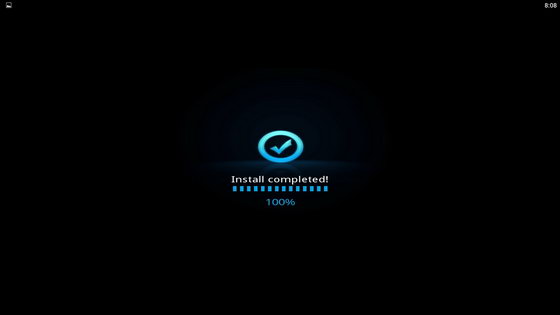
When it finished, then the unit will automatically restart,the upgrade is success.
Reopen the About page, the Software Version is the new version now.
Changelog
1. Fix poster wall Douban matches TMDb
2. Optimize seamless play of meat sauce plate
Caution: Please do not update firmware unless you know what you are doing, you really want it or it is absolutely necessary. Firmware updates may occasionally have bad results, like bricking your device, temporarily or permanently. The firmware update process is done entirely at your own risk. Before attempting to update the firmware, back up your data.
Did this article help you? If so, please tell me in a comment what do you think about it.
Don’t miss any of our future video tutorials, follow us on Youtube. Like us on Facebook. Add us in your circles on Google+. Watch our photo albums on Flickr. Subscribe now to our newsletter. Biggest firmware download center.





