
EZChannel, the best way to create and autoplay your playlists across social platforms
There are millions of videos uploaded to social platforms such as YouTube every day. How to not miss the videos I like? How to create my playlists of videos across most social platforms? How to autoplay my favorite videos once I connect my mobile to EZCast?
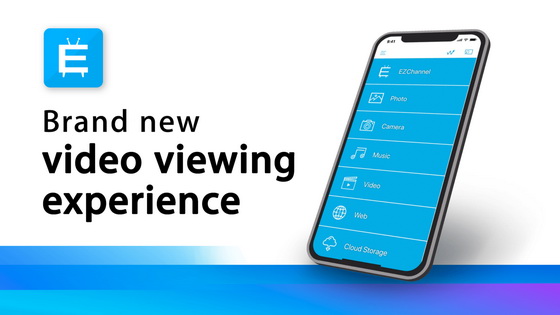
These are frequently asked questions from our users. The brand new EZChannel, which is compatible with all EZCast dongles, can solve all the problems above.
Surf videos across social platforms with hashtags and save it to your playlist
Previous versions of EZChannel already lets users search for videos across YouTube, Facebook, Dailymotion, Twitch, and others, and create custom playlists to play them. The brand new EZChannel allows you to create playlists more actively.
By creating hashtags, you can easily surf relevant videos across different social platforms in one place. You won’t miss out on any videos that you’re interested in. Once you find the videos you like, you can save it to your playlist with just a click. It couldn’t be easier!
Categorize videos and autoplay your favorite playlist on EZCast dongle
Just log into your EZCast account to easily create your playlists to organize the videos you saved. Choose one of your playlists and select an EZCast dongle to bind autoplay with. After powering on and connected to internet-enabled Wi-Fi, the playlist will be autoplayed on EZCast dongle. All EZCast products support this fascinating feature and lets you enjoy your favorite videos without spending a lot of time searching.
Play videos with just your voice
EZCast dongles also support multiple voice control services such as Google Home, Amazon Echo, Xioami AI Speaker, and Tmall Genie. You can speak to the Google Assistant on your mobile to command EZCast dongle to play videos.
Download EZCast app to enjoy EZChannel today.
Did this article help you? If so, please tell me in a comment what do you think about it.
Don’t miss any of our future video tutorials, follow us on Youtube. Like us on Facebook. Add us in your circles on Google+. Watch our photo albums on Flickr. Subscribe now to our newsletter.














