
Download New Firmware Update v1.7 for Shanling H7 from Google Drive.
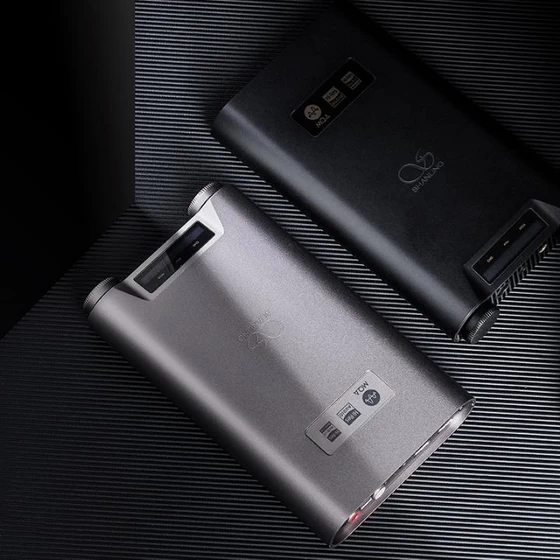
Chngelog for V1.7
1. Fixed issue causing occasional muted output
2. Optimized input siwtching display
3. Other improvements
How to update
1. Download the firmware update and unzip the file.
2. Copy the “update.bin” file to the MicroSD card. Copy it into the main folder/root directory of the card. Do not copy it into any subfolders.
3. Make sure H7 is fully charged and insert the MicroSD card.
4. Open the settings on H7 and navigate to “System Update”. Then press on the volume wheel.
Device will check for the firmware update file and perform the update, after which it will restart.
Did this article help you? If so, please tell me in a comment what do you think about it.
Don’t miss any of our future video tutorials, follow us on Youtube. Like us on Facebook. Join our Best Deals Telegram Channel. Join our Android TV Box Firmware Updates Telegram Channel. Subscribe now to our newsletter. If you need Tech Reviewer or Youtube Influencer read this. Donate now here to support CGR Team!



