
Newyes SyncPen 3 is live now with $30 off
Newyes SyncPen 3 is live now here with $30 off.
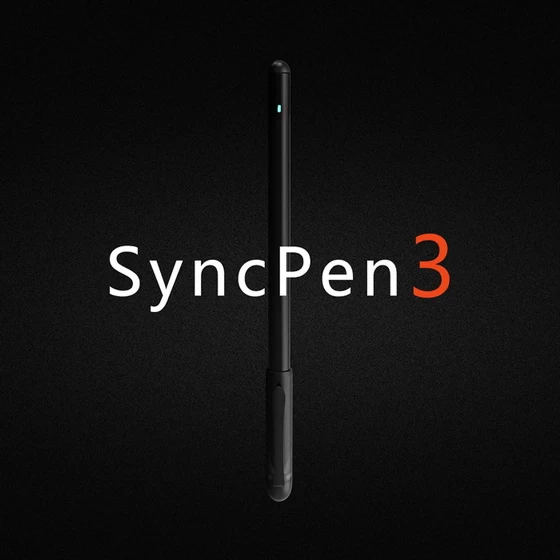
What we’ve upgraded for SyncPen 3?
– We add a quick toolbar to the Notebook so that you can switch the writing color and thickness from Notebook.
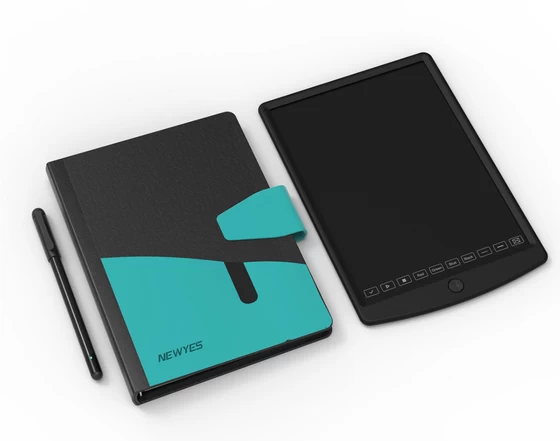
– The matched LCD pad is much lighter and thinner than the previous version, while the writing screen size is similar.
– The smartpen has lower power consumption but larger storage.
Capture your writing from 360°angles
Compared to other brands’ smartpens, a significant advantage of NEWYES SyncPen is that it is compatible with all pen holding habits. It can capture notes at 360° angles.
Simultaneous transmission of paper and electronic text
With a motion-tracking sensor on the inside, the pen turns everything you write into digital text, converting your handwritten notes and hand-drawn doodles and sketches into editable digital files.
Transcribe handwriting notes and printed notes (OCR)
Our APP – NEWYES NOTE can transcribe printed text to digital text, that’s the OCR feature. Another significant part is that it can transcribe handwriting notes to editable text! For handwriting recognition, we use Myscript, it can recognize text, shape, math elements, and music!
Environmental friendly product
The SyncPen package comes with a LCD pad. Write on the screen, then hit the button to erase. The app can synchronize the notes created on this 10” LCD pad on the app. What’s more, you can tick to record voice via the pad, and you can also change the writing color and thickness by this pad.
Online and offline mode
The SyncPen supports online and offline modes. When the pen is not connected to your phone, the pen can still save the content you write and the notes later would be uploaded to the application when the pen has access to the phone.
Export your notes into different formats
The SyncPen runs on Bluetooth 5.0, seamlessly sends written text to an app on your phone and converts your notes into various formats, doc, PDF or JPG.
Search the notes within one second
If you ever need to refer back to your notes for a particular piece of text, you can search for it either by word or a tag, which is very convenient.
Did this article help you? If so, please tell me in a comment what do you think about it.
Don’t miss any of our future video tutorials, follow us on Youtube. Like us on Facebook. Join our Best Deals Telegram Channel. Join our Android TV Box Firmware Updates Telegram Channel. Subscribe now to our newsletter.














