
Obsbot Live Is Here
Obsbot Live makes a strong debut, bringing live multi-camera video streaming experience to OBSBOT camera rigs.
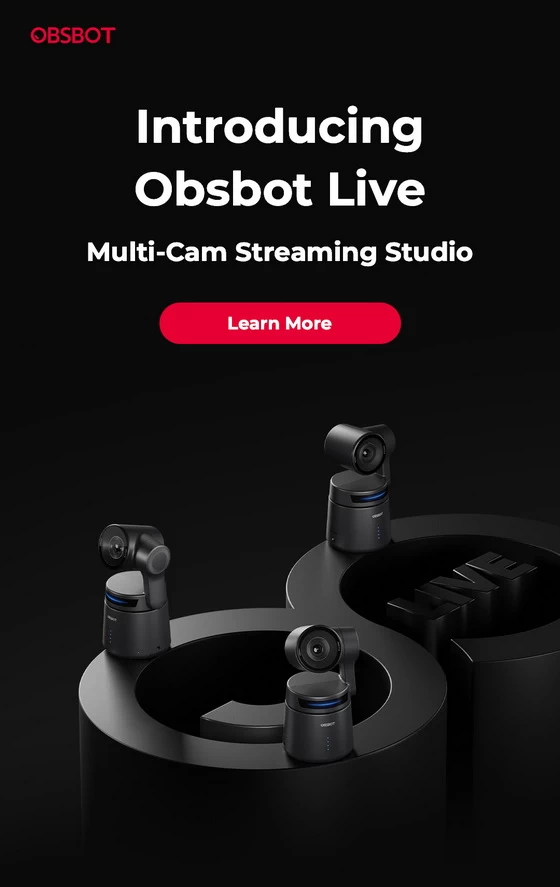
Control multiple video cameras easily and quickly
It supports wireless connection to up to three camera devices via Bluetooth or Wi-Fi at the same time, and performs PTZ control on each device, use of AI functions, image parameter adjustment and multi-camera recording control.
Start live streaming on multiple devices anytime, anywhere
The software supports major social live streaming platforms After logging into the appropriate authorized account and connecting multiple video cameras, you can start video recording/multi-camera live streaming anytime, anywhere.
Horizontal and vertical screen view
Obsbot Live has been adapted to horizontal and vertical screen views. Users can choose the screen direction that meets their current needs according to their personal usage habits and usage scenarios for live streaming and video recording.
Convenient and easy-to-use switch for canvas
There are several built-in canvas options After detecting the video stream, the software can automatically identify and fill the video content and overlay it on the canvas.
A clear mixer at a glance
Using our advanced built-in mixer function, users can clearly monitor and manage the audio status of currently connected devices, achieve integrated audio and video management, and ensure a high-quality live streaming experience for multiple devices.
Perfectly adapted to the Tail Air remote control
With the Xunying Tail Air Remote Control, your multi-car control experience will be taken to the next level. Its easy-to-understand operating logic allows you to instantly experience device switching and gimbal PTZ control with more realistic or futuristic somatosensory control!
Download OBSBOT Live for free from Google Play Store or from App Store.
OBSBOT is designed to give you the fun of video shooting and live streaming in a simpler and more dynamic way, and use a dynamic video language to record and share life’s beautiful moments.

Did this article help you? If so, please tell me in a comment what do you think about it.
Don’t miss any of our future video tutorials, follow us on Youtube. Like us on Facebook. Join our Best Deals Telegram Channel. Join our Android TV Box Firmware Updates Telegram Channel. Subscribe now to our newsletter. If you need Tech Reviewer or Youtube Influencer read this. Donate now here to support CGR Team!















