
Shanling M30 New Firmware Update v1.1. Use OTA update on your M30 player or download update file from Google Drive (M30 Firmware V1.1 – Do not open, just copy.zip – 1.1 GB).
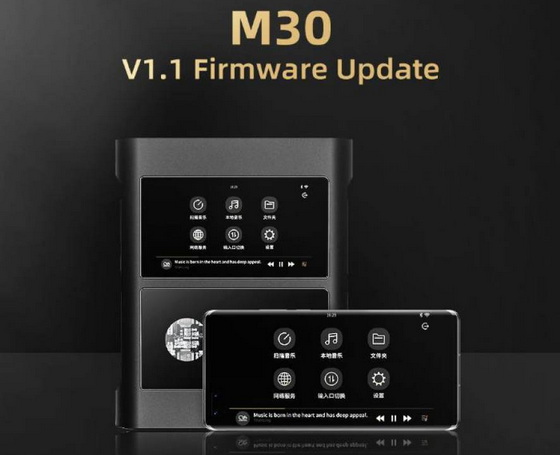
New system functions and changes:
1. Added screen casting support for Eddict Player app (App version V1.0.15 needed)
2. Added Amazon HD Music streaming
3. Adjusted system settings and controls
4. Default USB connection set to file transfer
5. Optimized status bar display and SRC display
6. Optimized playback of CUE files
7. Optimized system stability and fixed small bugs
Over-the-Air firmware update
1. Make sure your M30 is fully charged and connected to Wi-FI network with access to internet.
2. Go to “Settings” – “Firmware Update”.
3. Click on “Online Update” and wait for system to detect new firmware.
4. Wait until firmware is downloaded and fully installed.
Manual Update
1. Make sure your M30 is fully charged.
2. Copy downloaded .zip file into root/main folder of internal memory. (without unpacking/opening .zip file)
3. Go to “Settings” – “Firmware Update” and click on “Local Update”.
4. In browser, locate the update .zip file.
5. Confirm install and wait until M30 updates and restarts itself.
post-build=qcom/msm8937_64/msm8937_64:7.1.1/NMF26F/ShanLi03171822:user/test-keys
Did this article help you? If so, please tell me in a comment what do you think about it.
Don’t miss any of our future video tutorials, follow us on Youtube. Like us on Facebook. Watch our photo albums on Flickr. Subscribe now to our newsletter.





I need this room