
Shanling New Firmware Updates to Fix Compatibility with Apple Music App.
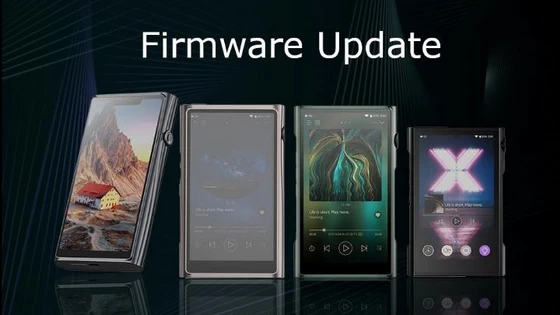
Shanling M9 Plus Firmware V1.14
Use OTA update on your player or download update file from Google Drive (0.9GB)
Shanling M9 Firmware V1.65
Use OTA update on your player or download update file from Google Drive (0.9GB)
Shanling M7 Firmware V1.44
Use OTA update on your player or download update file from Google Drive (0.9GB)
Shanling M6 Ultra Firmware V1.36
Use OTA update on your player or download update file from Google Drive (0.9GB)
Shanling M3 Ultra Firmware V1.24
Use OTA update on your player or download update file from Google Drive (0.9GB)
Update Notes
1. Fixed Compatibility with Apple Music App
How to update – Manual Update:
1. Make sure your device is fully charged.
2. Copy downloaded .zip file into root folder of internal memory. (without unpacking .zip file)
3. Open “Support” app (purple light bulb icon). Go to “Update”, switch to “Local Update” and locate zip file.
4. Confirm install and wait until device updates. Confirm message to restart device.
Did this article help you? If so, please tell me in a comment what do you think about it.
Don’t miss any of our future video tutorials, follow us on Youtube. Like us on Facebook. Join our Best Deals Telegram Channel. Join our Android TV Box Firmware Updates Telegram Channel. Subscribe now to our newsletter. If you need Tech Reviewer or Youtube Influencer read this. Donate now here to support CGR Team!



