
Shanling UP5 New Firmware Update v1.6.3.
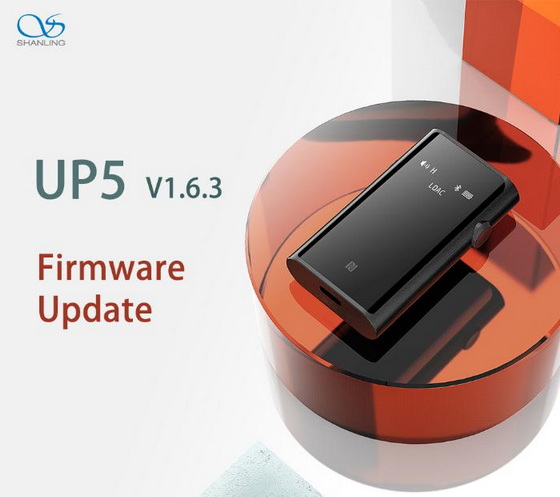
Use OTA update on your player or download update file from Google Drive (1 MB).
Changelog
1. Fixed issue causing volume jumps.
How to update
We recommend to update your UP5 through Windows computer. Full guide is included alongside the firmware.
Alternatively use OTA update through Shanling Control app on Android device.
Did this article help you? If so, please tell me in a comment what do you think about it.
Don’t miss any of our future video tutorials, follow us on Youtube. Like us on Facebook. Join our Best Deals Telegram Channel. Join our Android TV Box Firmware Updates Telegram Channel. Subscribe now to our newsletter.





