
Understanding the “Pure CD Mode” of Shanling CT90
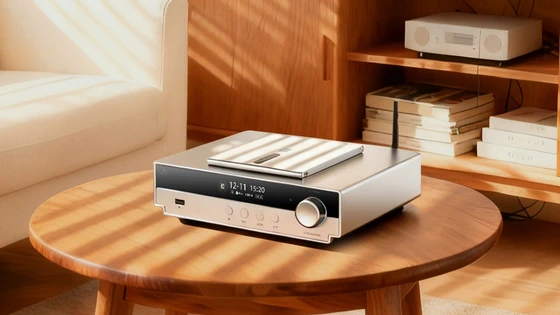
How to Enable “Pure CD Mode”?
Press on the wheel to enter the menu. Navigate to Playback Settings and “Pure CD Mode” will be the first option. Press on the wheel to activate it, you will be asked to confirm.
How to exit “Pure CD Mode”?
Spin the wheel to exit “Pure CD Mode”.
How does CT90 behave in “Pure CD Mode”?
– Remote is deactivated
– App communication is deactivated
– SRC Upsampling is deactivated
– USB and Bluetooth modes are deactivated
– System menu/settings cannot be accessed
– Screen turns off after 5 seconds
– Device only reacts to the press of the physical buttons
– Only pressing on the wheel or lifting the CD cover will light up the screen.
Did this article help you? If so, please tell me in a comment what do you think about it.
Don’t miss any of our future video tutorials, follow us on Youtube. Like us on Facebook. Join our Best Deals Telegram Channel. Join our Android TV Box Firmware Updates Telegram Channel. Subscribe now to our newsletter. If you need Tech Reviewer or Youtube Influencer read this. Donate now here to support CGR Team!















