
Unleash your creativity with AI tool Shot Lab @ Insta360
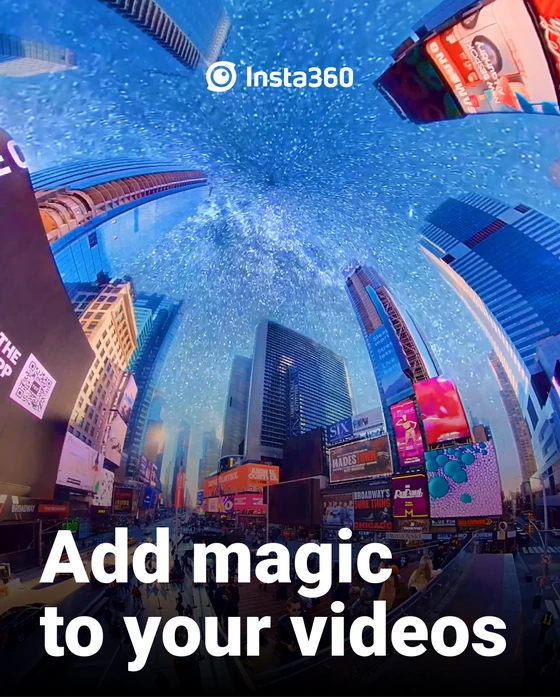
Shot Lab makes creative edits easy. Try them out and add awesome effects in a tap! Not sure how? Here’s some ideas to get you started.
I. Where to participate
1. Participate in the Insta360 app: Tap “Explore” – Tap the yellow “+” button – Select your shot – Add tag #ElectricSky and share!
2. Participate on the Community Forum: Click ‘Create a Post’ – Add tag #ElectricSky to your post title – Select ‘Creator Shots’ board – Upload your shot – Click ‘Post’!
II. What you will win The best entries will be featured on the Insta360 app and Community Forum for users around the world and Insta360 Gold will be rewarded. Get creative!
Did this article help you? If so, please tell me in a comment what do you think about it.
Don’t miss any of our future video tutorials, follow us on Youtube. Like us on Facebook. Join our Best Deals Telegram Channel. Join our Android TV Box Firmware Updates Telegram Channel. Subscribe now to our newsletter.














