Antigravity is giving creators fresh reasons to take the A1 into the skies, expanding its 8K 360 drone ecosystem with new accessories designed to make aerial filming more flexible and accessible. From wearable controls that keep your adventures moving to a familiar twin-stick controller and a cellular module for backup connectivity, the latest lineup opens up more ways to capture impressive footage, whether you are exploring a coastal route, recording an outdoor adventure or planning your next cinematic sequence. The new Antigravity A1 Follow Me Bundle is particularly appealing for anyone who wants to be part of the action while capturing it from above. Its Watch Remote and Ring Remote bring essential controls within easy reach, while the tracking system combines satellite positioning with visual tracking to help the drone maintain its connection to the subject. Antigravity’s official accessory listing explains that this combination can help A1 keep track even when an obstacle temporarily interrupts its view, making it an interesting option for outdoor creators looking for more consistent follow-me footage.
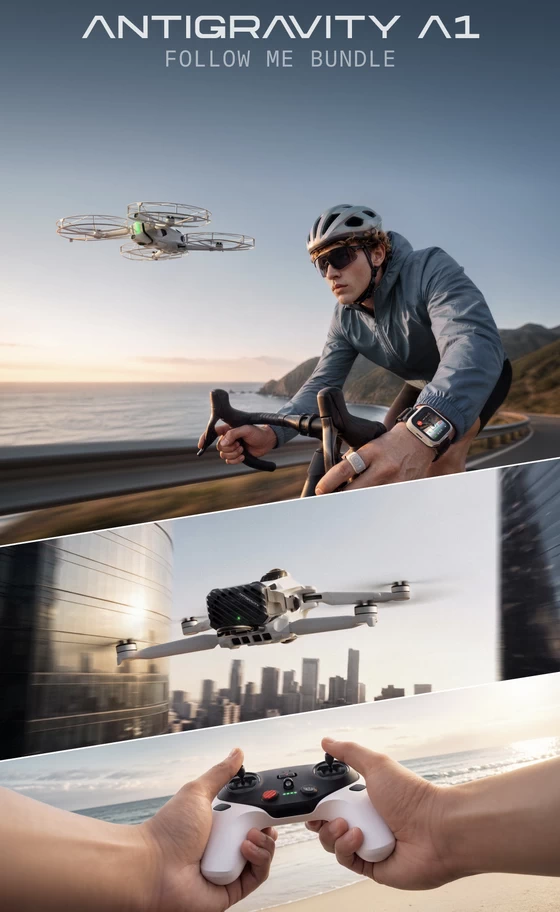
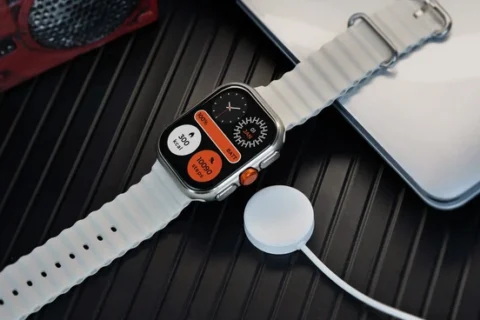
The Watch Remote puts flight functions on your wrist, including takeoff and capture controls, while the Ring Remote introduces an intuitive way to adjust the drone’s position. With the advertised drag-to-fly interaction, you can use gestures to reposition A1 and bring it closer or farther away, helping you shape the shot as your surroundings change. Ready-made Sky Genie movements, including Orbit and Fly Away, add another creative option when you want a cinematic sequence with minimal setup.
What makes this especially compelling is the A1’s 8K 360 capture. Recording the surrounding scene gives you the freedom to choose your framing after the flight, exploring different perspectives from the same recording. A cycling sequence, for example, can become a story about the rider, the route or the landscape, with the final viewpoint chosen during editing. For creators producing several pieces of content from one outing, that flexibility is a strong part of the appeal.
For pilots who prefer physical sticks, the new Antigravity Remote Controller brings a more traditional control experience to the platform. Paired with the Vision Goggles, it combines twin-stick operation with immersive 360 viewing, giving experienced users a familiar way to guide their flights. Support for Mode 1, Mode 2 and Mode 3, together with two customizable buttons, lets pilots tailor the controls to their preferences. The emphasis is on greater freedom of movement and precise input, making this a particularly interesting addition for users who enjoy actively shaping their aerial camera movements.
The Cellular Module adds another practical upgrade, introducing a 4G backup connection when the primary link is obstructed. According to the launch materials, it is designed to help maintain the video feed in more challenging connection conditions, while a built-in eSIM simplifies cellular connectivity. Versions are advertised for the A1 drone and Vision Goggles, with actual performance dependent on network coverage and operating conditions.
Together, these additions make the A1 ecosystem more adaptable to different creative habits. The wearable remotes suit creators who want convenient tracking controls, the Remote Controller appeals to pilots who prefer twin-stick precision, and the Cellular Module adds a connectivity option for supported setups.
Explore the latest Antigravity A1 gear and Follow Me options on the official website to compare configurations, check regional availability and see current pricing before choosing your next upgrade.
Did this article help you? If so, please tell me in a comment what do you think about it.
Don’t miss any of our future video tutorials, follow us on Youtube. Like us on Facebook. Join our Best Deals Telegram Channel. Join our Android TV Box Firmware Updates Telegram Channel. Subscribe now to our newsletter. If you need Tech Reviewer or Youtube Influencer read this. Donate now here to support CGR Team!