
Master the RTMP setup for high-quality live streaming on your OBSBOT Tail 2. This detailed guide provides the step-by-step process, using YouTube as a practical example. You will learn how to get streaming information from YouTube, configure the necessary RTMP settings in the Obsbot Start or Obsbot Live app, and easily start your live stream.
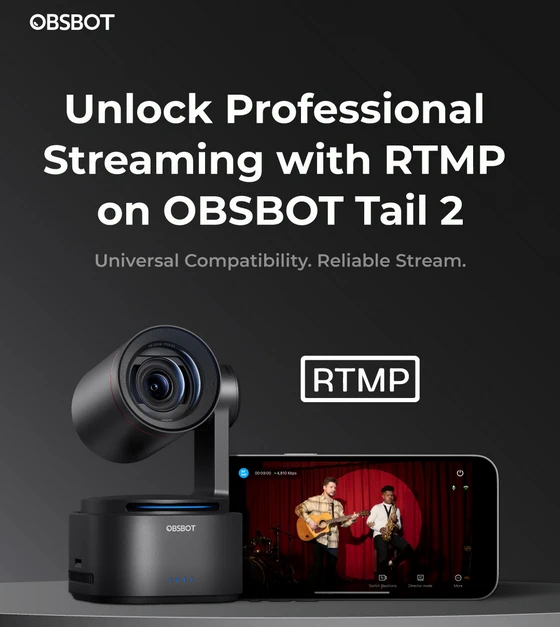
Real-Time Messaging Protocol (RTMP) is a long-standing standard in live streaming. Originally developed by Macromedia and now owned by Adobe, RTMP is designed for high-performance, real-time transmission of audio, video, and data between a server and a client over the internet. RTMP remains widely popular due to its seamless, low-latency capabilities and broad support across streaming platforms and software. Whether you’re streaming a live event, hosting an online broadcast, or setting up a video conference, using RTMP can greatly enhance your stream quality and viewer experience.
Start your professional live streaming journey today! Get the full guide here.
Did this article help you? If so, please tell me in a comment what do you think about it.
Don’t miss any of our future video tutorials, follow us on Youtube. Like us on Facebook. Join our Best Deals Telegram Channel. Join our Android TV Box Firmware Updates Telegram Channel. Subscribe now to our newsletter. If you need Tech Reviewer or Youtube Influencer read this. Donate now here to support CGR Team!





