
How to use ShareMe function on Mixcder ShareMe Pro Headphone
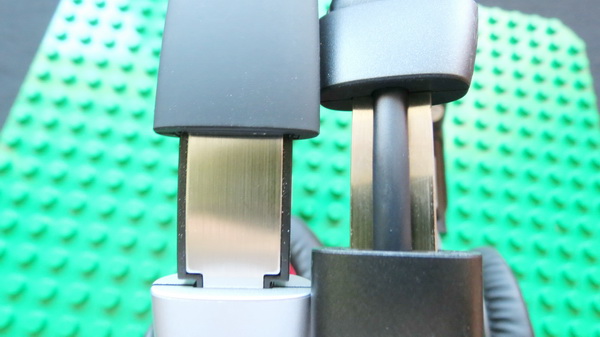
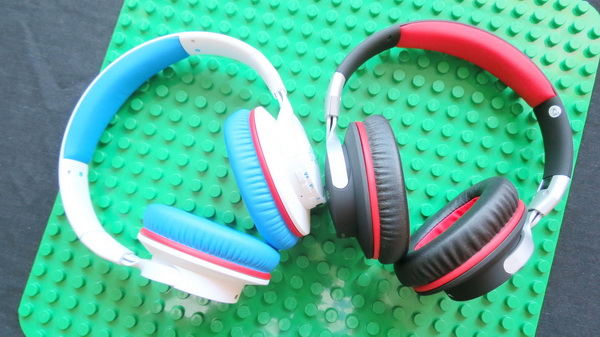
How to use ShareMe function on Mixcder ShareMe Pro Headphone. Visual comparison with previous model.

Mixcder ShareMe Pro Highlights: Superior Stereo Sound, Crystal-Clear Acoustics, Deep Bass High Fidelity, Unique ShareMe Function drom Mixcder, Comfortable & Super Light, Premium & Lightweight build, Long Battery Life & Dual Mode, Wireless Bluetooth 4.1. Here you can read the unboxing article of this great device.
BTW, you can buy Mixcder ShareMe Pro Bluetooth 4.1 Headphone from Amazon.co.uk for only £39.99 with free delivery in UK.
Share Me Function
Note: Touse this function you have to use 2 pairs of Mixcder ShareMe Pro Headphones.
ShareMe Pairing. Used for the first time, open two sets of headphones in the matching state at the same time, then two headsets automatically matching (the subordination relation will be random distribute automatically after pairing), then open the mobile device, and connect to the parent headphone.
The music or audio program will be shared among the two headphones and the Bluetooth-enabled device simultaneously.
1. Make sure the headphones and the connected Bluetooth-enabled device are turned off.
2. Do not place all devices more than one meter away from each other.
3. Press and hold the power buttons located on each headphones for 5-6 seconds untill the LED flashes blue and red alternately, which means pairing mode.
4. The two headphones will pair each other automatically. Once sucessfully paired, one headphone voice will say ‘Connected, left channel’ and the LED flashes blue and red alternately, which means this is the primary headphone. The other headphone voice will say ‘Connected, right channel’ and the LED turns to solid blue, which means this is secondary headphone.
5. Start Bluetooth function on the device and select ‘Mixcder ShareMe Pro’ to pair with primary headphone.
6. Once successfully paired, the LED light turns into solid blue. You will hear ‘Pairing succesfully, second device connect’.
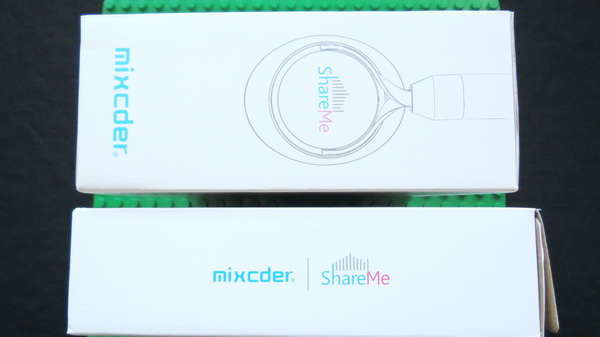
Visual comparison between Mixcder ShareMe Pro and previous model Mixcder ShareMe7 Headphones.
Mixcder ShareMe7 Highlights: Brilliant ShareMe Technology, Strong Wireless Signal with Bluetooth 4.1 version, Foldable & Comfortable, Extra long playing time & Universally compatible with most Bluetooth-enabled phones and devices. Here you can read the unboxing article of this previous version.
High quality photo album here.




Did this article help you? If so, please tell me in a comment what do you think about it.
Don’t miss any of our future video tutorials, follow us on Youtube. Like us on Facebook. Add us in your circles on Google+. Watch our photo albums on Flickr. Subscribe now to our newsletter.
















This article was very helpful for pairing the headphones, but can you tell me how to unpair the two headphones? After pairing with my son’s headphones, we can longer listen to things individually.
Thanks