
4 easy ways to speed up your computer
Now almost every family has a computer. But many people may be bothered by the slow running speed of their computer. So how to speed up your computer? Here are 4 easy tips may help you.
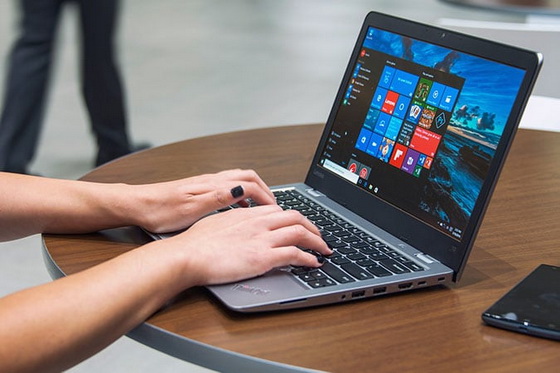
For mobile phones, I believe you probably know how to deal with some basic problems, but for computers, many people don’t know much about computers. Some people have reflected that the newly bought computer is very stuck, but what is the matter? Whether you bought the wrong computer, or the configuration of the computer is poor, or it is a second-hand computer, I would like to say that there are many reasons for the occurrence of computer carton. of course, the reasons may exist, but if you buy in the flagship computer store, there will be no problems, then when the new computer carton appears. What should be the reason for this sudden phenomenon and how should we solve these problems?
Optimize startup programs
One of the reasons for the computer’s appearance of Carton or its slow start-up speed is that it downloads a lot of self-startup applications. These applications will start on their own when they turn on, and then run in the background, which will take up your computer’s running memory. Maybe a software takes up a little bit of memory, but if most of the computers have automatic startup settings, then the computer will also be stuck, even if the new computer will still have such a situation. So where can we solve these problems in the first place? On the keyboard, add R to Windows button, point out the running button, enter “msconfig” in the running window, then press the confirmation key, then the system settings interface will pop up, and then in the boot column, the application software that does not need to start by itself will be disabled. This will make your computer more fluent.
Choose high performance in power plan when the computer is in low power
Many times we find that computers are good, but in a moment, the computer will suddenly become very carton, so what’s the matter? Was the computer poisoned in that instant? In fact, it is not computer poisoning, but the computer reminds you that this time should be charged. We all know that mobile phones have a power-saving mode. When the power of mobile phones is too low, some mobile phones will automatically turn on the power-saving mode. Then until the power supply starts to replenish, the computer will return to normal. Others run on Carton, where you can right-click on the power in the lower right corner, select the power option, and then click on the original plan to select the high-performance mode, which can also put your computer in the best working mode.
Clean disk
In fact, the software we download now is mainly required to be installed in the system disk, which is what we often call C disk (or not C disk, but the general computer system disk is in C disk). You know, the system disk is a disk of our system. When the disk space is full, not only the computer will become very hard to run, but also the boot speed will be greatly affected. At this time, we should clean up some junk software in the C disk, or transfer the application program to other non-system disks, or expand the C disk when necessary. This problem can be solved by reloading the system (first, backing up important files).
Close big programs
This is similar to the self-startup project mentioned above, but what mentioned above is the accidental accumulation of small projects running in the background. It is very difficult to clean up a single process, but different from the big process, it will be displayed directly in the task manager. At this time, if you want to run other software, you must shut down the large process software. Because storage is limited.
Did this article help you? If so, please tell me in a comment what do you think about it.
Don’t miss any of our future video tutorials, follow us on Youtube. Like us on Facebook. Add us in your circles on Google+. Watch our photo albums on Flickr. Subscribe now to our newsletter.















