
4 ways to stream videos from YouTube to TV with EZCast
Without installing an app, EZCast wireless display receivers support YouTube streaming from any device. If you are using your iPhone, Android, or laptop on the same network as EZCast, you can watch YouTube videos on TV while you are multitasking on your phone.
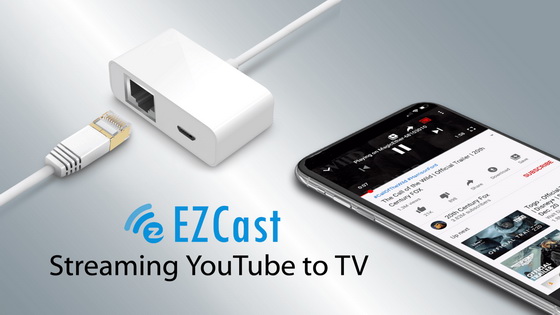
When you access YouTube with a laptop, you can stream videos on TV through the Chrome browser.
Now, let’s take MagicEther as an example and see how it works.
Streaming YouTube videos from an iPhone
After powering on a MagicEther for screen mirroring, please connect your iPhone to the same Wi-Fi network as MagicEther.
You can enjoy YouTube videos on TV in 4 easy steps.
1. Open YouTube app
2. Select a video
3. Click the Cast button
4. Choose MagicEther to cast video on TV.
Streaming YouTube videos from an Android phone
Make sure your Android phone connects to the same Wi-Fi network as MagicEther.
Follow the 4 steps below to stream YouTube videos to TV in seconds.
1. Open YouTube app
2. Select a video
3. Press the Cast button
4. Select MagicEther to cast video on TV.
Streaming YouTube videos from laptops
Connect your laptop to the same Wi-Fi network as MagicEther and open Chrome browser.
Go through the following 4 steps to stream YouTube videos from your laptop to TV.
1. Go to YouTube
2. Select a video
3. Click the Cast button
4. Select MagicEther to cast video on TV.
This unique feature is available to all the latest EZCast products, including Ethernet display receiver – MagicEther, 4K HDR wireless display receiver – EZCast Ultra, and 4K LAN connected display receiver – EZCast MiniBox.
EZCast continues to make our products simpler to use and let you share videos easily from any smart device to a TV in seconds.
Did this article help you? If so, please tell me in a comment what do you think about it.
Don’t miss any of our future video tutorials, follow us on Youtube. Like us on Facebook. Add us in your circles on Google+. Watch our photo albums on Flickr. Subscribe now to our newsletter.














