
How to easily update fiirmware via OTA or from PC on Ugoos UT4 Android TV Box
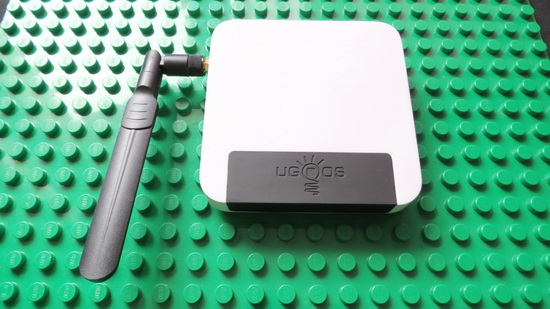
Today we prepare new improvements and fixes pack for your UT4. This update comes with OTA or you can reflash manually using the method provided below.
 1. Install Guide – OTA Update
Search the new OTA update firmware from ‘Settings’ menu –> ‘About device’ –> ‘System update’ –> press ‘Check now’ button. Download the new update and install it. The device will reboot and enter into Recovery Mode to install the new update. The whole process will take a few minutes, so please be patient.
Firmware details
Firmware: Android Lollipop 5.1.1 OTA update
Old version: UGOOS_UT4_V0.0.3.b
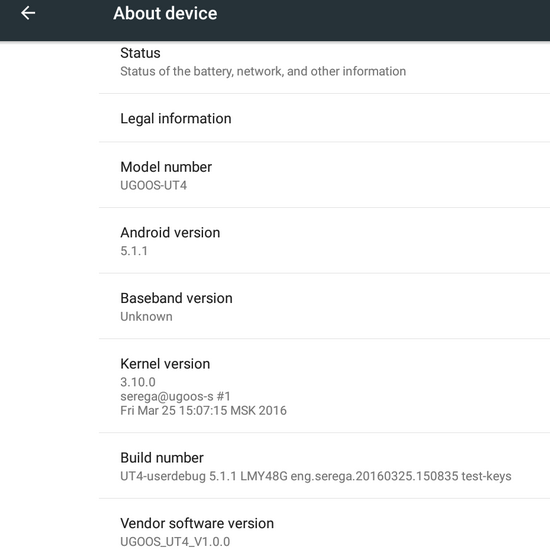
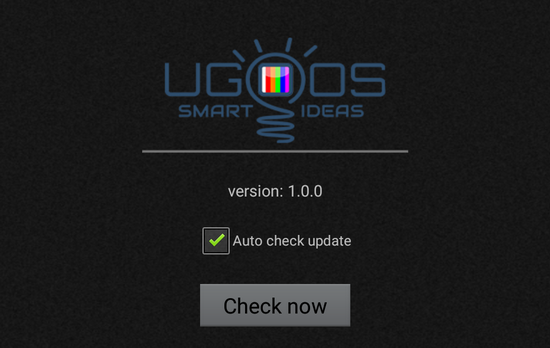
New version: UGOOS_UT4_V1.0.0
Model: Ugoos UT4 Android TV Box
Platform: Rockchip RK3368
Old build number: UT4-userdebug 5.1.1 LMY48G eng.serega.20160205.104106 test-keys
New build number: UT4-userdebug 5.1.1 LMY48G eng.serega.20160325.150835 test-keys
Kernel version: 3.10.0
Changelog
1. Changed display format for CPU and RAM Info (Ugoos Settings). Added icons to status bar.
2. Network Usage information can be displayed in the status bar (Ugoos Settings).
3. Fixed bug display CPU load in status bar.
4. Fixed bug mount/unmount usb storages.
5. Added support multiple usb storages.
6. Now usb storages with one partition mounted without intermediate folders.
7. Added support exFAT file system.
8. Fixed bug reading/writing to usb storages on ntfs and ext file systems.
9. Fixed bug with sounds from AV output when turn on or reboot box.
10. Added screen rotation (Display Settings).
11. Fixed bug focus in Launcher3 when hide/show status and navigation bars.
12. Now the ability to switch users is available.
13. Added multi window mode (Display Settings).
14. Added ability to switch launcher with RC in Home Settings
15. Updated vpu and gpu libraries.
16. Updated UgoosLauncher to ver.1.1.
17. Updated RkVideoPlayer.
18. Added Ugoos version of Kodi player.
19. Other bug fixes.
2. Install Guide – Flash firmware from PC via USB cable
Download the latest firmware from this article. Extract the archive, run AndroidTool v2.3, go in the second tab ‘Upgrade Firmware’, press ‘Firmware’ button and select the right firmware image (ut4_1.0.0.img). For some reason you can’t burn this firmware with BatchTool 1.8 or FactoryTool_v1.39, you get ‘Load Firmware Failed!’ error. Next, connect Ugoos UT4 Android TV Box to your PC with USB cable, make sure to use ‘OTG’ port on the box. Press the ‘Recovery’ button and connect the power cord. ‘Found one LOADER device’ message will appear in AndroidTool; press ‘Upgrade’ button and wait 2-3 minutes untill you can read ‘Download Firmware Succes’ in the right windows.
Did this article help you? If so, please tell me in a comment what do you think about it.
Don’t miss any of our future video tutorials, follow us on Youtube. Like us on Facebook. Add us in your circles on Google+. Watch our photo albums on Flickr. Subscribe now to our newsletter.















