
MoGo Pro+ with Auto Keystone Correction
What A Great Feature ! Auto Keystone Correction on MoGo Pro+ – Making the Image A Perfect Rectangle.
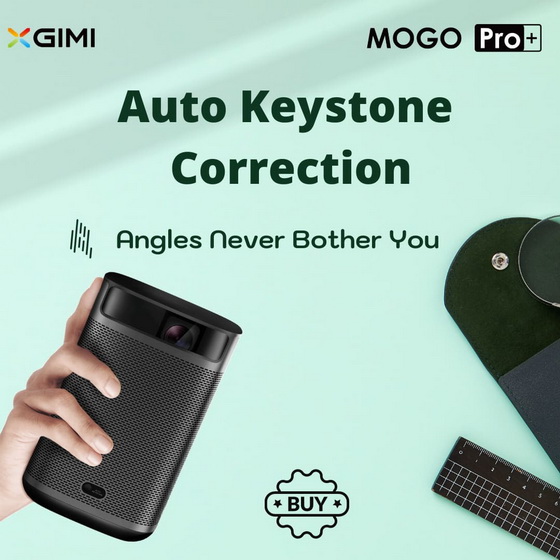
Without keystone correction, projectors have to be placed in a fixed position. This is where auto keystone correction comes into play.
MoGo Pro+ comes with XGIMI’s latest Auto Keystone Correction feature – you can get a rectangle image in seconds from side projection.
The new feature requires no manual push button or menu interaction. All need is put and play!
Did this article help you? If so, please tell me in a comment what do you think about it.
Don’t miss any of our future video tutorials, follow us on Youtube. Like us on Facebook. Watch our photo albums on Flickr. Subscribe now to our newsletter.














